


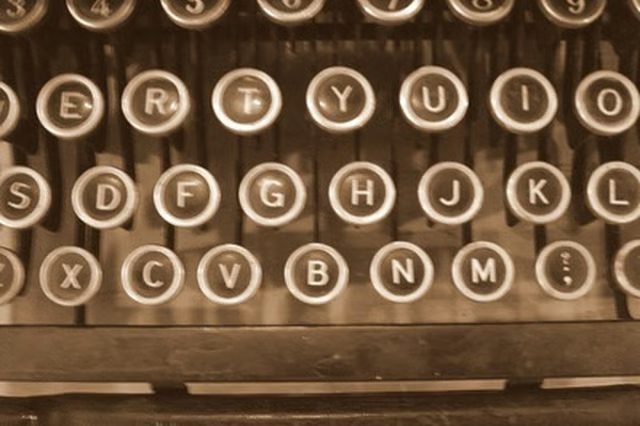
Keyboard stickers give typists computer keyboards a retro look reminiscent of the days of banging away on an old typewriter. You could buy stickers from a stationery company, but making them yourself will allow you to personalize the adhesive labels with your favorite fonts and font sizes. Whether making stickers for a laptop or personal computer, durable keyboard stickers will give your computer a unique appearance.
Things You'll Need:
Things You Will Need
Open your word processing program. Review the fonts you have available. Find the fonts under the toolbar located at the top of your page. Select the font you most like.
Choose a font size. The font size should not be so small you struggle to see it, nor too large that it won't fit on the keys of your keyboard. Select the size you like. A font size of 12 or 14 points is ideal for this project.
Type the capitalized letters of the alphabet. Allow adequate spacing in between each font.
Type the numbers and symbols together, using your current keyboard as a guide.
Save the document giving it a name you will easily remember.
Print the sheet on plain paper.
Center the hole punch over the letter. Punch out the letter by squeezing it together.
Slide one of the punched pieces over a keyboard key. Check the arrangement of the key. The sticker should cover the old lettering without hanging off the edges of the key.
Make adjustments to the size of your fonts if needed.
Load the printer with a sheet of sticker paper. Print the sticker sheet.
Use the hole punch to clip out the numbers and letters.
Remove the adhesive backing and place the letters on top of the appropriate symbol. Press the sticker down gently and smoothly.