How to Bypass a Charge When Updating a PSP

How to Bypass a Charge When Updating a PSP
Written By
Sara Bailey
Sara Bailey
Published: Sep 23, 2011
Updated: Jan 10, 2019
1 minute read

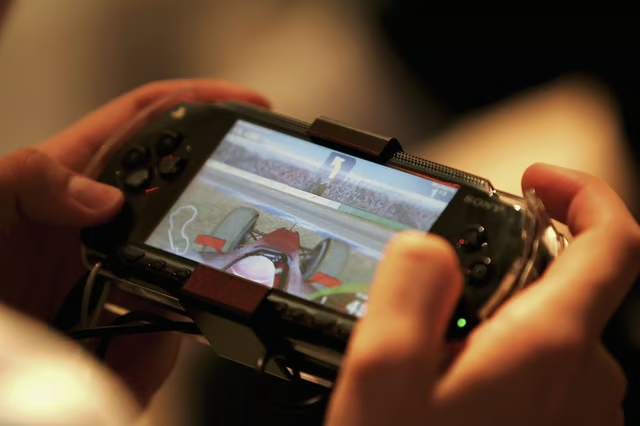
The Sony PSP requires you to have a fully charged battery when updating the system software of the PSP. If you need to update the PSP software and do not have a charged battery, you can bypass the battery power level check and update the software without a charged battery.

Press the "Eject" button on the back of the Sony PSP to remove the battery.

Plug the power connection into the PSP's power port.

Connect the power connection cable to an electrical outlet.

Select "System Update" on the PSP menu and select "Update via Internet."

Select "Download" to begin the PSP software updating process. Press the "X" button the PSP game controller to finish the update.

References

Sara Bailey

Sara Bailey is a writer from Manhattan, N.Y., with work appearing in "Giant" magazine. She is a graduate of Rutgers University in New Brunswick, N.J., where she received her Bachelor of Arts in journalism and communications.

Sponsored
Our Pastimes Logo

A destination for the avid collector and weekend hobbyist alike, Our Pastimes features articles and tips about your favorite cards and games, hobbies and more.

Property of TechnologyAdvice. © 2026 TechnologyAdvice. All Rights Reserved

Advertiser Disclosure: Some of the products that appear on this site are from companies from which TechnologyAdvice receives compensation. This compensation may impact how and where products appear on this site including, for example, the order in which they appear. TechnologyAdvice does not include all companies or all types of products available in the marketplace.