
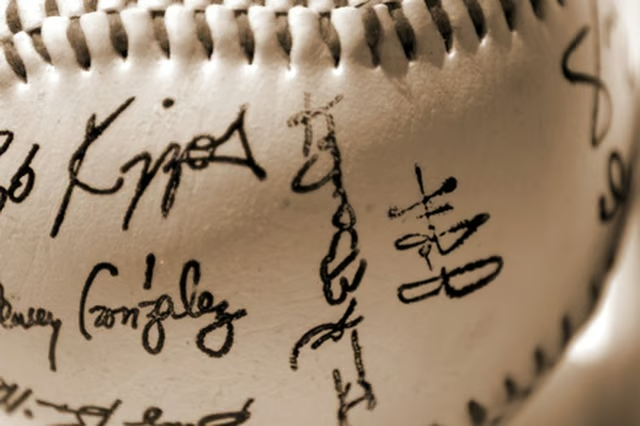


An autograph is your signature, but the word autograph is frequently associated with celebrities. You might want to perfect your own autograph to make it distinguishable so it is hard to copy. If a flashy, distinctive signature is something you have always wanted, then use a little imagination to turn the ordinary into something with flair and artistic expression.
Things You'll Need:
Things You Will Need
Sign and sign again
Sign your name in different ways, combining assorted styles to find something that suits your personality. Sign your first and last name side-by-side and then try signing with your last name beneath your first name. Consider making the first letter of your first and last name much larger than the rest of your signature. You can also try linking the first letters of your first and last name. There are endless possibilities. This is an autograph, so you want something that stands out.
Practice, practice
Practice the signature you like the most. When a celebrity signs an autograph, it is usually very quickly, with tons of panache. A celebrity's autograph technique is so ingrained that it comes naturally -- after all some celebrities have signed their name thousands of times. You should practice your autograph so it becomes second nature. You might find as you practice the autograph that it takes on a slightly different shape than what you designed. If this is the case, consider executing the most natural flow of your writing and how your hand moves across the paper.
Scan or take a photo and import
Scan the finished autograph to your computer and open it in any graphics editing program available to you. Crop the image using the "Edit" menu so the border is not noticeable. Save the autograph file for use with electronic documents or email.