
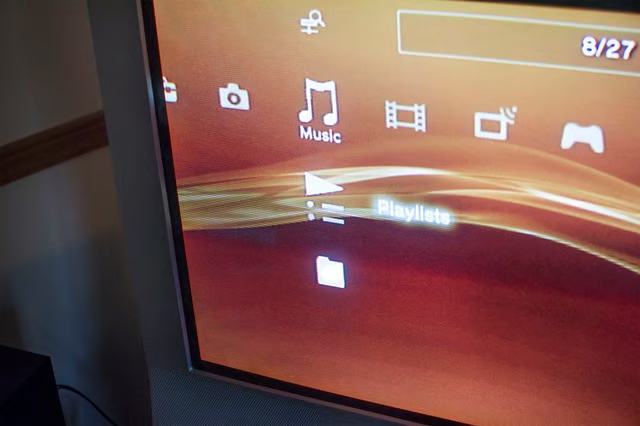
One of the new features becoming available to video game players with the release of new consoles is the ability to listen to your own music while playing games. Users of Sony's PlayStation 3 console have not found this feature to be as readily accessible as it is on the Microsoft X-Box 360 but it is in fact something that the PS3 is capable of. For the PlayStation 3, implementation of the this feature is left in the hands of the game developers. It is up to them to decide if they want to give players the ability to use their own music while playing the game.
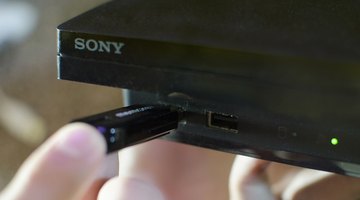
Load your preferred music onto your PlayStation 3 console. With the available USB ports on the console this can be accomplished by attaching a USB removable media device into the console.
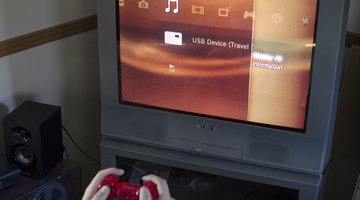
Access the device from the PlayStation 3 main menu and browse the files. By using the triangle button you can bring up options that will include the ability to copy a song to your PS3 hard drive.
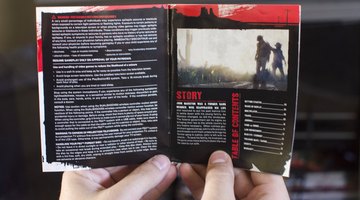
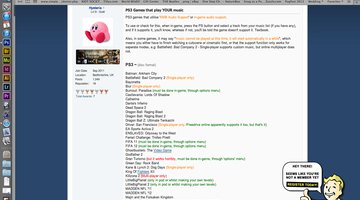
Read the manual that is included in your PlayStation 3 game's case to figure out if it supports the custom soundtrack feature. Read carefully as some games only support the feature in certain modes or after certain things have been accomplished in the game.
Activate the custom soundtrack feature by navigating through the game's options screens. This is where you will often find the ability to tweak sound and music related aspects of the game. If you do not see the option and are certain the game supports custom soundtracks then you may need to research further to discover what steps need to be taken to get custom soundtracks working on that particular game.