How to Get a Disc out of the PS3 Without Turning It On

How to Get a Disc out of the PS3 Without Turning It On
Published: Sep 26, 2011
Updated: Jan 10, 2019
1 minute read

Occasionally, CDs, DVDs, Blu-Ray Discs and game discs can get stuck inside of a Playstation 3 game console. Traditionally, the disk is ejected from a PS3 by pressing the "Eject" button on the outside of the PS3 while the power is on. However, if this method doesn't work, you can unplug the PS3 from a power source and eject the disc manually.

Turn off the PS3 with the power button on the back, then unplug the AC power cord.

Unscrew the screw cover on the underside of the PS3, then lift it off. You will see a hole underneath.

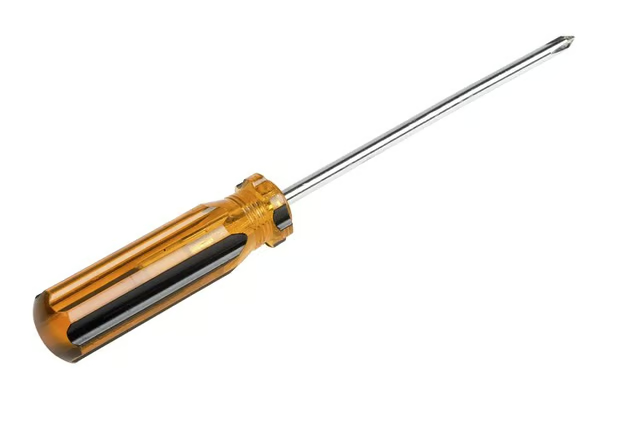
Insert the screwdriver through hole, breaking the paper dust cover just under the surface.

Rotate the screwdriver counterclockwise until the disk ejects. Keep rotating until the disc is fully out.

Sponsored
Our Pastimes Logo

A destination for the avid collector and weekend hobbyist alike, Our Pastimes features articles and tips about your favorite cards and games, hobbies and more.

Property of TechnologyAdvice. © 2026 TechnologyAdvice. All Rights Reserved

Advertiser Disclosure: Some of the products that appear on this site are from companies from which TechnologyAdvice receives compensation. This compensation may impact how and where products appear on this site including, for example, the order in which they appear. TechnologyAdvice does not include all companies or all types of products available in the marketplace.