


In Janome embroidery machines, the upper and lower thread tensions are set so that even stitches are formed when sewing. However, these factory presets are created assuming that equal thread weights will be used in the top and bottom threads. If using different types of threads, these presets can cause stitches to become uneven. In that case, adjusting either the top thread or bobbin tension is necessary. Technicians can do this in the store, but it is easy to change the bobbin tension at home.
Things You'll Need:
Things You Will Need
Locate the tension screw and place a black dot where it is pointing. This will enable the screw to be returned to its original setting.
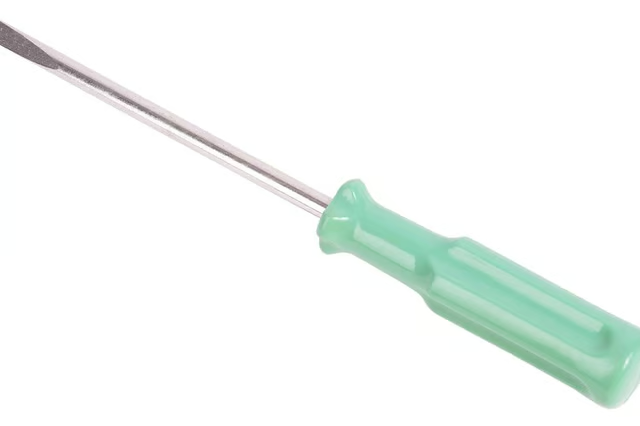
Using the included screwdriver, make a quarter turn either counterclockwise or clockwise. Counterclockwise turns will loosen the tension, and clockwise turns will tighten the tension. Most of the time, loosening the bobbin tension works best.
Pull the bobbin thread and the top thread through the needle. There should be very little tension when pulling the threads.
Using a material scrap, test the new bobbin tension with a simple embroidery pattern to determine whether the stitches are even. If the stitches are even, return to your embroidery project.
If the stitches are still uneven, repeat steps 2 to 4 until the machine makes even stitches.
Warnings:
- • If bobbin tension is not changed properly, for instance making a full turn rather than quarter turns, the case could clog with thread or break a needle. • Not marking the original setting will make it difficult to return the machine to the factory presets, meaning that each time the thread is changed the bobbin tension must also be changed.