


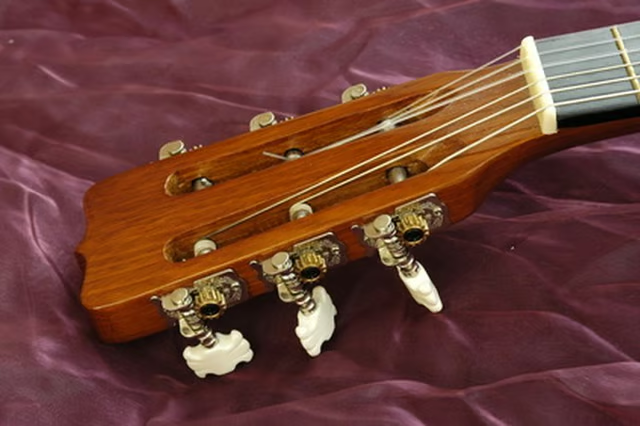
Yamaha acoustic guitars are like many other guitars when it comes to attaching a strap to them (electric guitars have two strap buttons). Most Yamaha acoustics have a strap pin located at the bottom front of the guitar's body for attaching a strap, but generally have no strap button elsewhere on the guitar. This doesn't mean you can't attach a guitar strap. By using a special strap made for acoustics, or by using a strap of leather or even a shoestring, you can attach any guitar strap to your Yamaha guitar.
Attach one end of the guitar strap to the body of your guitar by slipping the hole in the strap end over the strap button. Once the strap end is over the strap button, tug the strap at a downward angle to seat the strap end hole around the base of the strap button.
Attach the opposite end of your strap to the headstock of your guitar with something you can tie. If you have purchased a strap that already has strings, then you simply slip the strings beneath the strings around the base of the headstock and tie the two ends of the string together.
Attach a leather strip or shoestring to your guitar strap end piece of it doesn't have one. Between eight to 10 inches should be ample. Slip the string through the hole in the guitar strap end flap and slide the ends beneath the strings at the base of your headstock. Tie the two ends together to secure it to your guitar.