


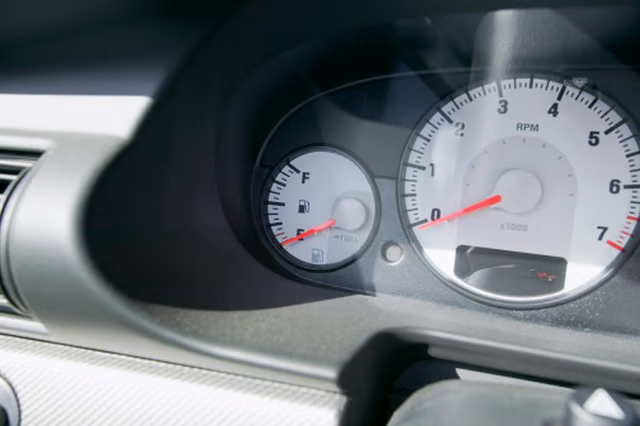
A tachometer is a tool which measures speed in revolutions per minute, or rpm, at which an engine shaft is rotating. A tachometer is usually found on the dashboard of a car, but you you can buy a separate one to measure your engine's rpm if needed. If your Chevy 350 engine has a broken tachometer you can connect a new one in your vehicle. The process is fairly straightforward if you have basic auto repair knowledge.
Instructions
Mount the tachometer above the steering column or on the dashboard of your vehicle using the supplied hardware and tools recommended by the manufacturer.
Run the wiring of the tachometer from the vehicle's interior to the engine compartment.
Locate the black wire and hook it up to the battery.
Locate the ignition coil. It can be found on the right side of the engine on the valve cover.
Hook up the red wire to the positive side of the ignition coil, which is on the right side.
Hook up the green wire to the negative side of the ignition coil, which is on the left side.
Close the hood, start the engine and test drive the vehicle make sure the tachometer is working.
Warnings:
- Dealing with electricity can be dangerous. If your tachometer is not wired properly, it can cause melting and burning.