


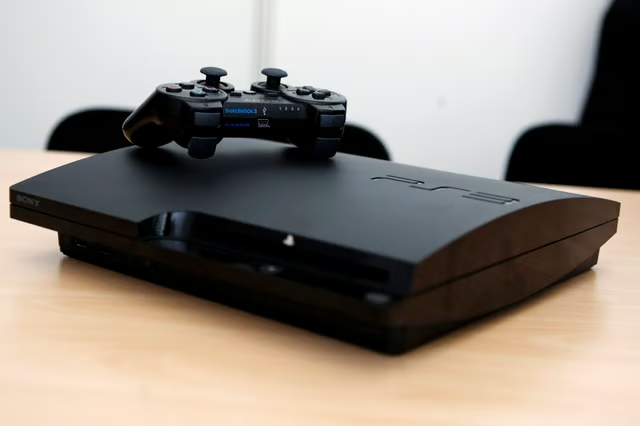
Whenever you turn your PS3 on, its fan turns on at the same time. Normally the fan is quiet or just barely audible, but if it's become so loud that it bothers or worries you, there could be a serious problem with your system. You may need to do minor maintenance on the PS3 or move it to a new location.
Normal Operation
When you use your PS3 in normal circumstances, it does a lot of computing, especially if you're playing a game, and that computing builds up heat. The harder the PS3 has to "think," the more work it's doing and the hotter it's going to get. That requires the console's fan to begin working harder to keep the system ventilated; otherwise the hardware could overheat to the point that it's ruined, and the PS3 wouldn't ever work again. This is entirely normal for most computer systems, including desktop and laptop PCs, so a little noise from the fan, especially if you've been gaming for a long time, is perfectly normal.
Overheating
If the PS3 gets close to critically overheating, the fan will begin begin working as hard as it can to keep the system from crashing entirely. Under normal circumstances, this shouldn't happen often, if at all, but if your PS3 is old or if it's not in an ideal location in your home, it could overheat. If you see the main LED indicator light on the PS3 alternating from green to red, that means the system is dangerously close to overheating, and you should save your progress in any open games and turn off the console right away.
Overheating Solutions
You should keep the PS3 in a well-ventilated area. Keeping it on a bookshelf or in a cramped space around other elements of your entertainment center can cause it to quickly become hot while it's in use. Another significant cause of overheating is dust buildup in the vents. Over time, the vents will accrue dust and debris as the fan keeps the system cool, and you should regularly clean the vents. You can use the hose attachment from a vacuum cleaner for this, but you shouldn't use a compressed air can like you might for a computer, since that can damage the PS3.
Servicing Options
If your system is close to overheating too often or does actually overheat, some of the hardware may fail and keep your PS3 from turning on again. Often you'll see a yellow light on the main LED, or the system may just beep without turning on or sending a signal to your TV. In this case, you should see what your options are for professional servicing. If the PS3 is still under warranty, you should contact the console's retailer or Sony directly to see if you can get the PS3 repaired or replaced. If you don't have a current warranty, you may need to pay a professional technician to fix the PS3. Many websites provide do-it-yourself options for repairing the console, but you use those at your own risk. You could damage the PS3 further, and if you do have a warranty, then you will void it by opening the system.