
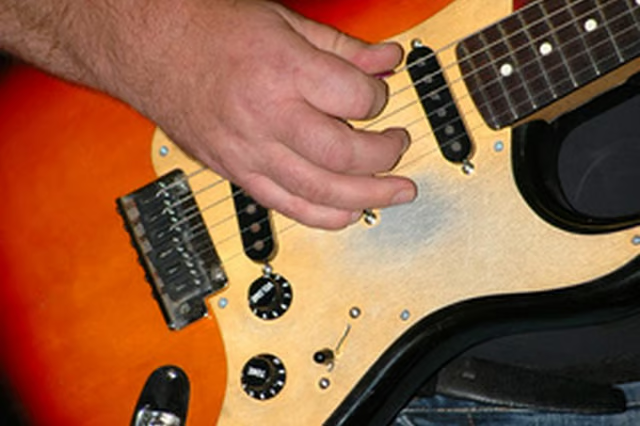
Using a wireless configuration when playing live electric guitar gives you the freedom to move around the stage with no concern about pulling the guitar wiring out from your effects pedals or from the amplifier. Since wireless guitar setups comprise a receiver and a transmitter, you can use a wireless system to either run your guitar directly to an amplifier or through your effects pedals with a minimum amount of setup required.
Things You'll Need:
Things You Will Need
Replace the batteries in your wireless transmitter and receiver. Use fresh batteries before playing live, and frequently replace them when playing in the studio or during practice.
Turn off all of the equipment, including the wireless setup, effect boxes, pedal system and amplifier. Amplifiers and effects boxes may be damaged if you plug in the cables when they are turned on.
Plug the wireless transmitter into the jack on your guitar. Electric guitars use 1/4-inch jacks as does the transmitter of most wireless guitar setups.
Plug the wireless receiver into the main input on your effects pedal system. Plug the receiver directly into the input jack if you are using just one pedal or effects box. Plug the receiver into the first effect's or pedal's input jack if you are using an effects-chain system.
Connect the effects or pedals to your amplifier with a standard 1/4-inch guitar cable.
Turn on the wireless system, followed by the effect boxes, pedal system and the amplifier.
Adjust volume while playing and using the pedal system.