
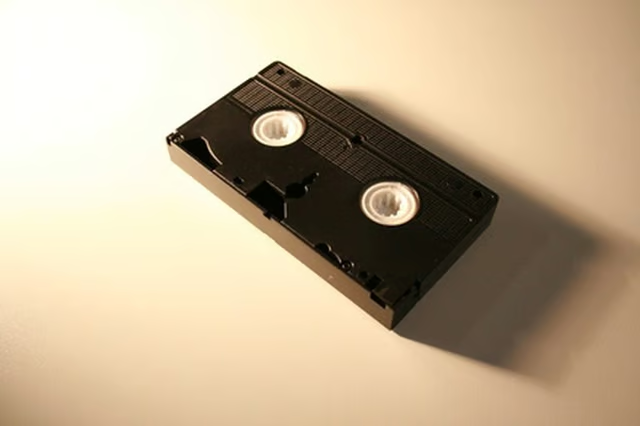
One of the best things about VCRs is the way they make recording television programs and other media easy. All you have to do is pop in a VHS tape and press "Record." You can make a copy of a tape by playing it on another VCR that’s hooked up to a recorder, but you have to remove the copy protection to do so.
Place a small piece of tape over the blank square on the front section of the VHS tape if you merely want to record over its contents.
Purchase a dual-deck VCR. These generally feature programming that will disable VHS copy protection.
Add a color-correction box to your entertainment center. Wire it between your DVD player and VCR to get sharper images and more realistic hues while enjoying the side benefit that the color-correction box will circumvent copy protection from the VHS tape you want to duplicate.
Connect a digital video stabilizer between your VCR and your TV. VHS tapes can have tracking problems that cause wobbling of the image. The stabilizer fixes this problem and disables the copy protection, allowing you to make copies of your tape.
Employ an analog capture box that allows you to digitize your VHS tapes onto your computer. Analog capture boxes usually have an unpublicized feature that allows you to get around the copy protection on the tape. Open the analog capture box and play the VHS tape through this software on your computer. The contents of your tape are digitized and recorded.