


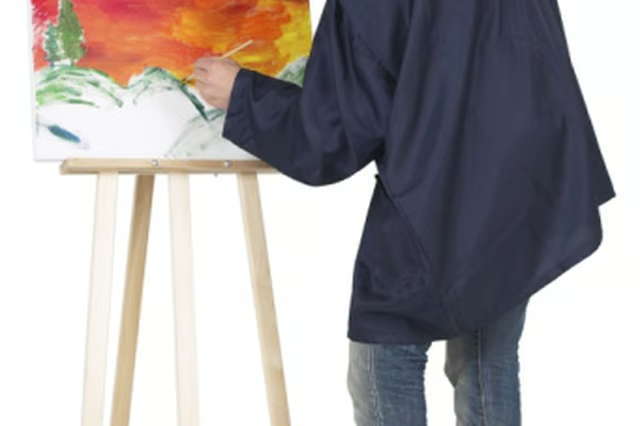
It is common for a painting to be liked or wanted by several people. However, there can be only one original. The solution to this problem is to make a copy. Since artists seldom keep their original work, opting instead to sell the piece, you may wish to inform the artist sooner rather than later that you would like to make a copy. If you wait, the artist could sell the piece and your only chance of getting a copy would be to track down the buyer. Borrow the painting to create a copy.
Take the painting to a photo lab of your choice.
Inform the technician of the exact dimensions and quality you would like the copy to be. If you want an exact replica, tell the technician you want the copy to be the same size as the original and at the highest possible resolution. Many photo labs can print copies onto the same type of canvases that artists use.
Check that the printed copy is adequate when you return to the lab to pick it up. Be sure to ask for a CD or DVD with the scanned image files of the painting. This will allow you to print future copies if you want more or if anything happens to the one you just had printed.
Warnings:
- Some people attempt to make copies of a painting at home using a scanner. However, canvases are typically considerably larger than the scan surface of home scanners. A photo lab's professional process ensures complete, high-resolution duplication of the entire painting.