


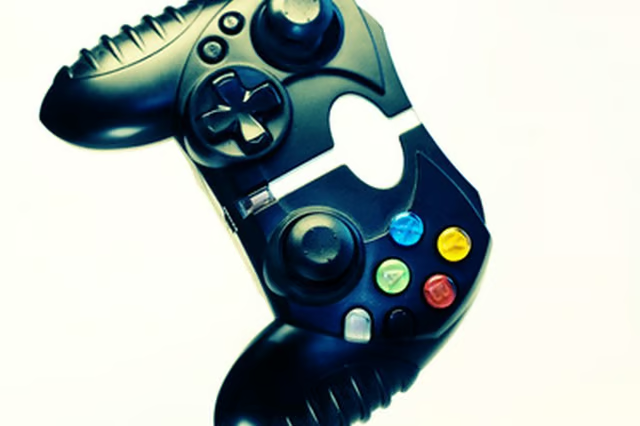
PlayStation 2 controller buttons are often the subject of repair because of the constant wear by the user. Instead of buying a new controller, first assess the situation to see if the buttons have simply become misaligned or they have in fact broken off, which would require a new controller purchase.
Unplug the controller from the PlayStation 2. This is necessary to avoid electrical shock.
Flip the controller over and locate the six screws on the back.
Remove the six screws on the controller with the Philips head screw driver and then pull off the controller backing.
Remove the circuit board within the controller by pinching the two white clips at the top of the board and lifting up.
The buttons will become dislodged and fall off. Organize the buttons so you know where they go when it is time to put the controller back together.
Check to see if there are any broken plastic fragments within the controller. If there are broken pieces you will need to buy a new controller. If there are no broken pieces move to the next step.
Find the rubber backing where the buttons connect on the circuit board. This rubber backing has a habit of flipping over and locking the button in place. Realign the rubber backing by bending it flat.
Insert the circuit board back into the controller casing and reconnect the buttons.
Replace the screws in the casing.