
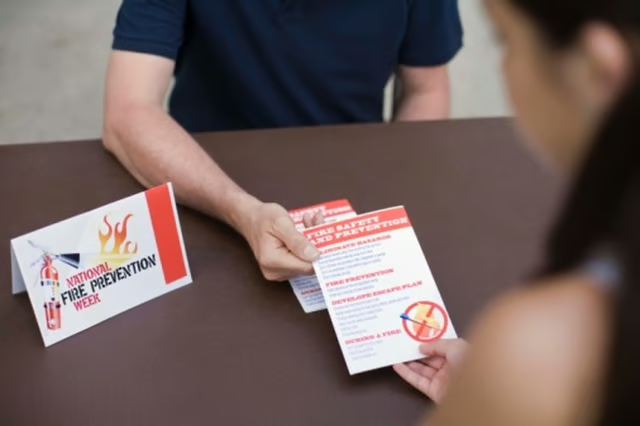


Learning how to word a benefit flyer can make the difference between having a professional, successful benefit and having no one show up to your cause. The benefit flyer acts as a first impression and basically sets up your benefit. The flyer must be professional yet whimsical to help get serious yet fun individuals. Wording your flyer properly can help your benefit get more exposure and donations.
Organize all of the benefit details and information and figure out which information you want to add to the flyer.
Start to write the flyer on a sheet of paper. At the top of the flyer, mention important details, such as the benefit’s name, date, time and location. In addition, brainstorm a catchy headline for your flyer. It only takes a few seconds to make a first impression. Allow the theme of the benefit to inspire your heading.
Mention some information about the actual benefit, such as the propose of the benefit.
Mention other miscellaneous facts, such as the cost of admission to the benefit and the dress code of the benefit.
Include contact information, such as a phone number, e-mail address or a website address. This information is important before professionally creating your flyer.
Open a new document in your word processing program, and then type a catchy title at the top in a large boldface font.
Write the details from Step 2 in a legible, smaller size font. Center this information so that the eye can focus on the important information.
Type in the information about the benefit, and then mention your contact information. The contact information should be boldface so that people can easily find it, while the information about the benefit should be slightly larger than the contact information.
Add some color or different layouts to the document by highlighting the text and clicking on the colored “A” icon. Press “Insert” and “Clip Art” to add an appropriate picture to the flyer.