



Projecting a movie onto a wall is, in most cases, a simple task. In the past, you needed a traditional movie projector--complete with film threading, film breakage and an uncooperative sound system. Movie projection systems have come a long way since then, especially for the non-professional. Now it is easy to create a movie night for you friends and family at home. And with a little more effort, you can host an outdoor event for the entire neighborhood.
How to Project a Movie Onto a Wall
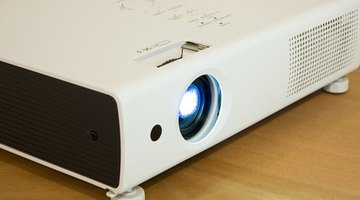
Choose a projector. DVD and hard drive projectors are best for home use. Many projectors play a DVD, including sound. There also are projectors that connect directly to a computer. These systems run the sound through the computer’s speakers, but separate speakers might be required for a larger audience.
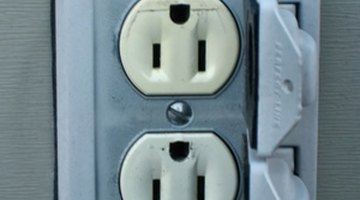
Locate power. Finding the power to run your projector indoors is usually not a problem, but powering a projector outdoors can be a challenge. If you are not lucky enough to find a suitable wall with a nearby power source, you can try running the projector from a car or a marine battery.

Choose a wall that is as white and flat as possible. Colored walls will lend their hue to the image so, for example, a red apple on a blue wall will be purple. A crack or ripple in the wall will show through the film image. You can solve these problems by hanging a white sheet or piece of fabric, using a portable or inflatable screen, or painting the wall with movie screen paint.
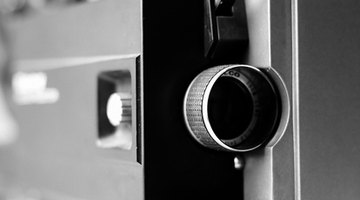
Place your projector appropriately to achieve a picture that is as large as possible while still being clear. The closer any projector is to the viewing screen, the clearer the image will be.
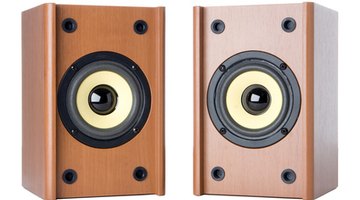
Make sure your speakers are sufficient for your audience size and venue. The sound produced by computer speakers might be enough for a small group, but a larger audience might need something louder. The sound from a DVD projector might be sufficient, but you also can use remote speakers, set up surround-sound or even broadcast sound through a series of FM radios (see mobmove.org).
Warnings:
- Most movies are protected by a copyright. Showing such a movie in a private residence does not break the law. Showing the same movie anywhere that is not a private residence is against the law unless you have paid for a Public Performance License, which is fairly easy to obtain and relatively inexpensive. For more information, see www.mpaa.org/Public_Performance.asp.